UInjectForge
A downloadable tool for Windows, macOS, and Linux
Build your Wii U library with UInjectForge
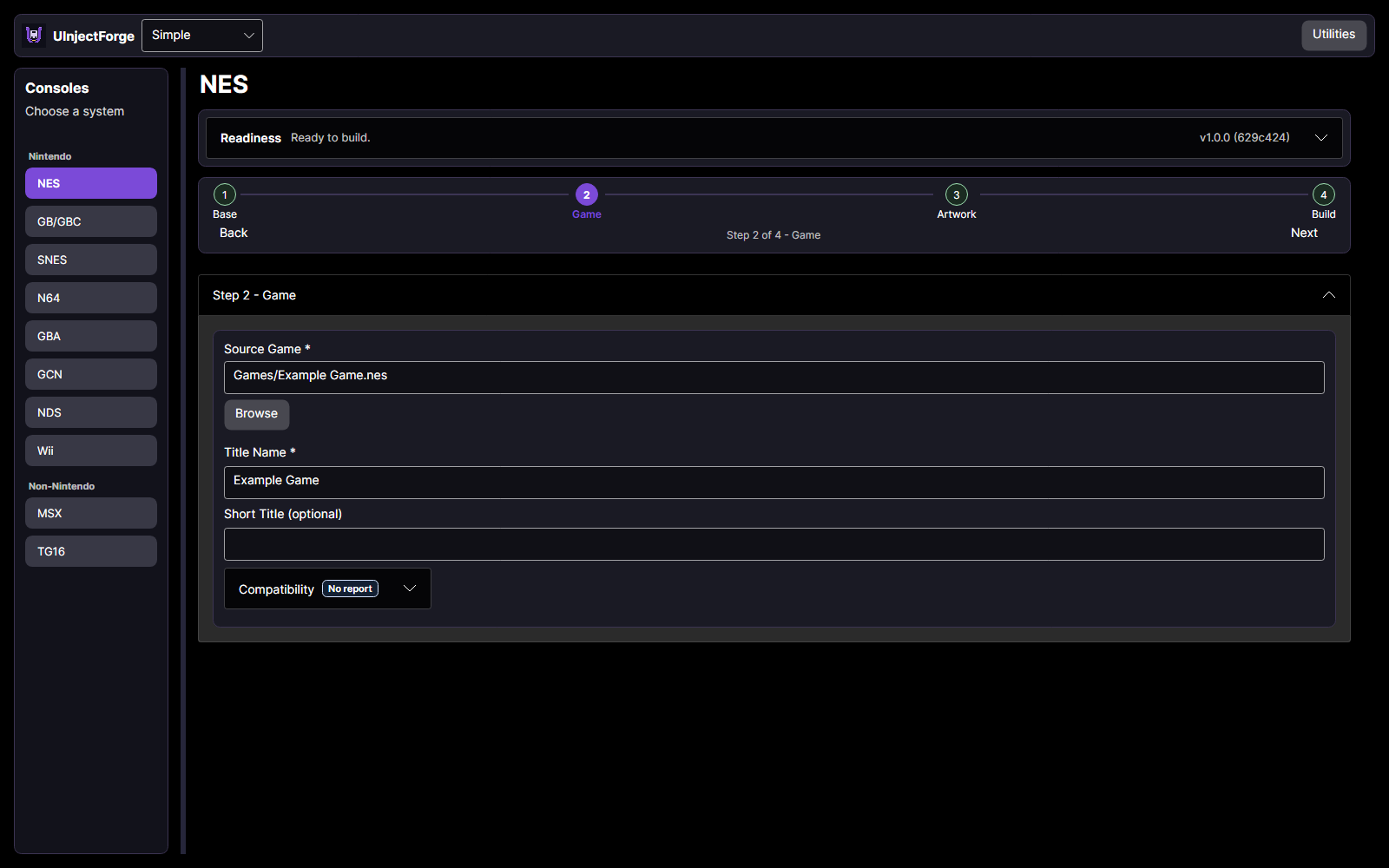
UInjectForge helps you create personalized Wii U installable titles from your own game backups. Choose a console, select your game and the required base or runtime, customize the artwork, and build.
Features
- Support for NES, SNES, GB/GBC, GBA, N64, NDS, GCN, Wii, TG16/PCE, MSX, and PSP (experimental).
- Simple mode for everyday builds, with additional controls in Advanced mode.
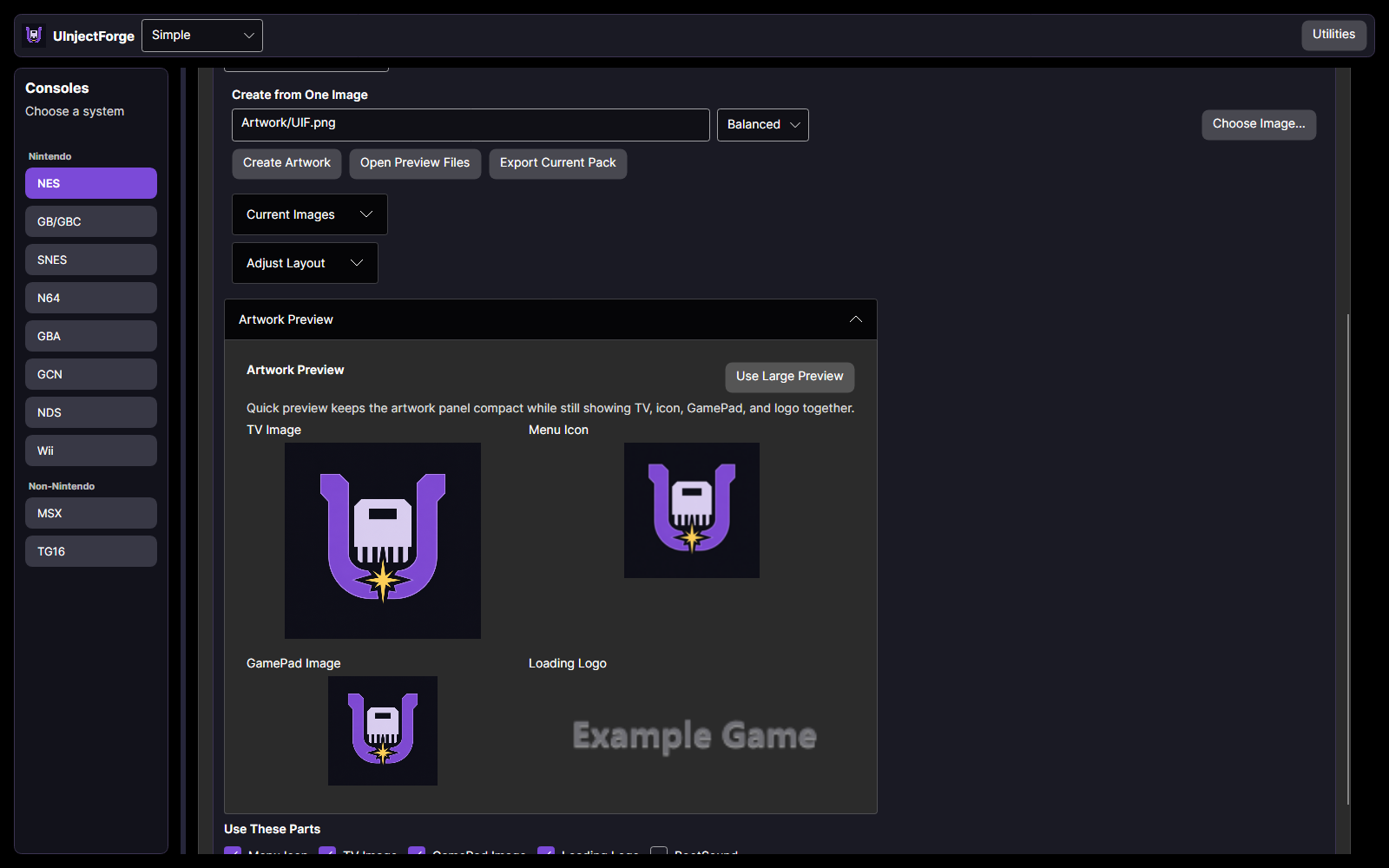
- Custom icons, boot images, frames, and artwork.
- Batch builds for preparing multiple games.
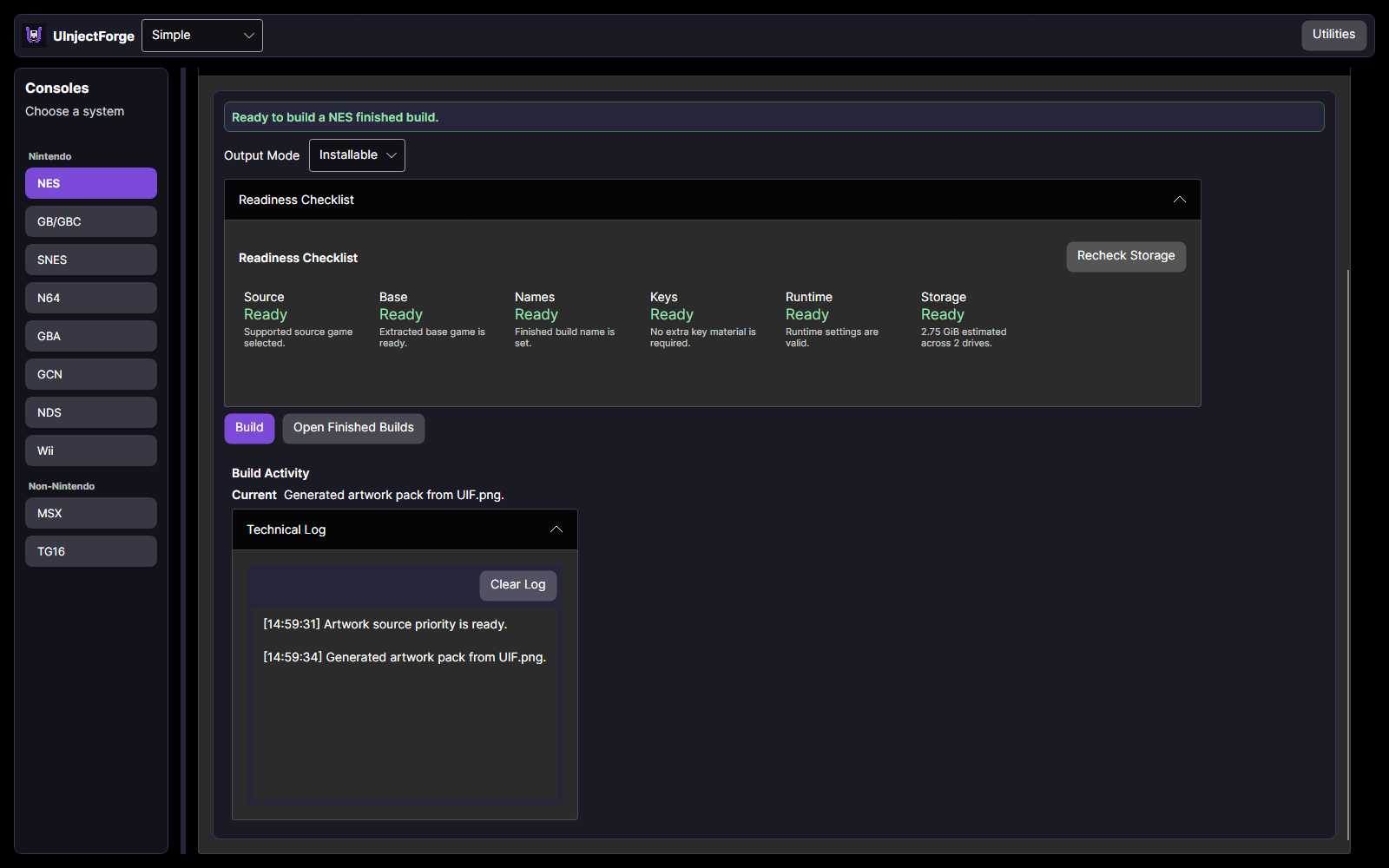
- Storage checks and adjustable performance settings.
- SD-card copying and network transfer tools.
- Exportable support bundles to help investigate problems.
Before you start
You need a Wii U configured to run homebrew and installable titles, along with your own game files. Depending on the selected console, you may also need a compatible base game or a separate emulator runtime.
Compatibility varies by game, base, and runtime. GamePad support also depends on the selected software and controller settings.
Games, base titles, and keys are not included. UInjectForge is an independent project and is not affiliated with Nintendo.
Purchase
In order to download this tool you must purchase it at or above the minimum price of $5.99 USD. You will get access to the following files:
Download demo
Development log
- V1.0.22 days ago
- V1.0.1: macOS and arm64 Previews!4 days ago
- Welcome to UInjectForge!5 days ago